INFLUENCER OS · SYSTEM
The system.
The full mechanism: passport, adapters, five engines, quality gates — with real application evidence.
01 · Modules
What the studio actually does.
The passport
The passport holds appearance notes, distinctive-detail fields, per-mode identity settings, capture-device preferences, reference images and an optional vision summary. A separate editable creative canon can describe places, props, habits and tone.
Adapters
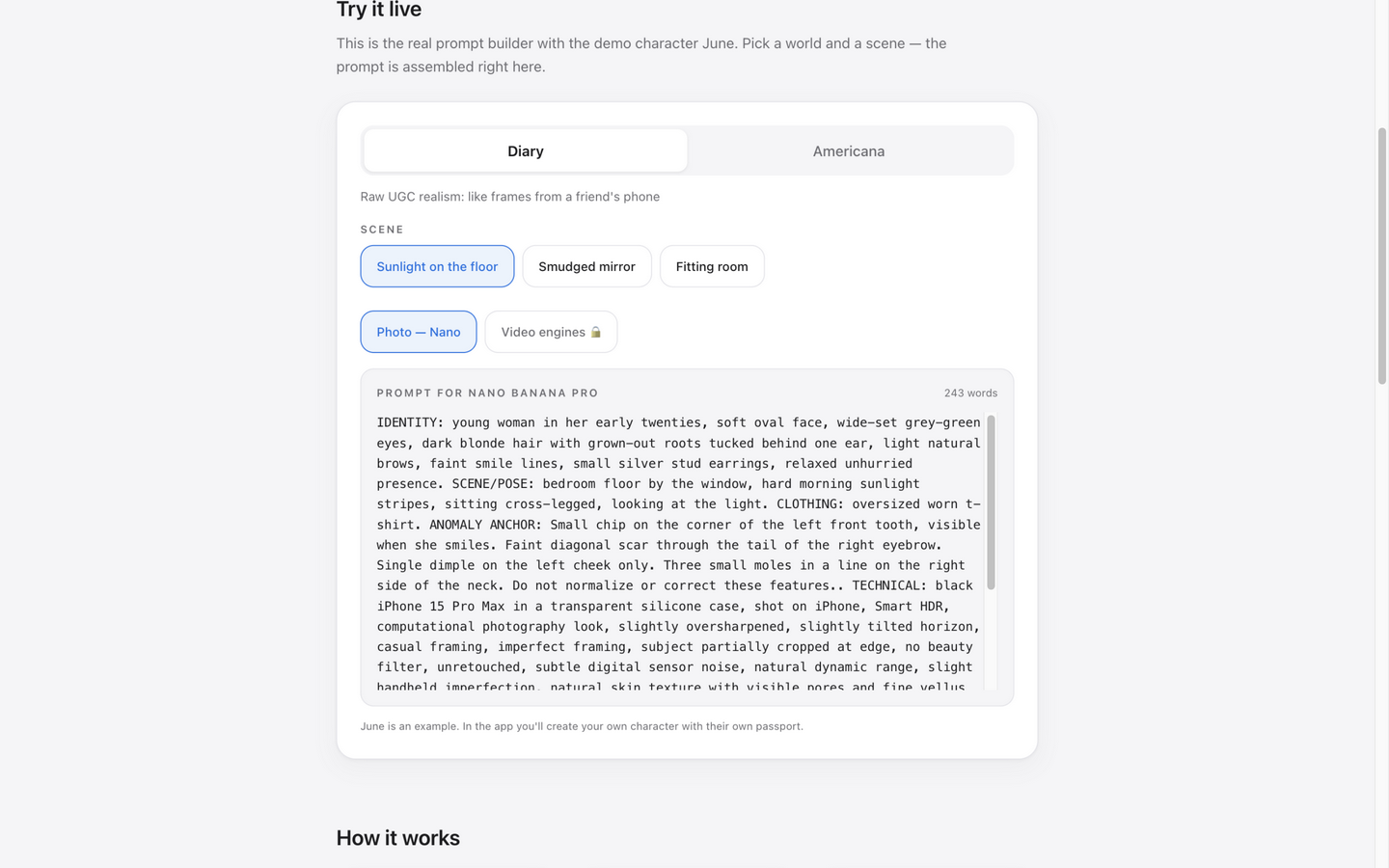
The application converts structured scene and passport fields into model-specific prompt formats for still images, motion, B-roll, dialogue and editing. It accepts Russian or English scene text and prepares English-language production instructions.
The taste layer
The creative system includes three selectable worlds (Diary, Raw, Staged), 24 structured visual techniques and reusable scene packs. These guide stylistic choices; they are not a guarantee that an external model will reproduce a particular aesthetic.
The five engines
Five external model families have prompt adapters: Nano Banana Pro (stills), Kling (motion), Seedance (short-form), Veo (scenes and B-roll), Omni Flash (clip revision). The app prepares instructions; model access and rendering remain external.
Formats & the feed
Frame, Series, Shoot and Feed formats help creators plan shots, cutaways and post sequences. The application organizes scene instructions rather than publishing content or independently verifying consistent identity across a feed.
Quality gates
Prompt review tools, visual-quality controls and a local result journal support iteration. The release also includes built-in code checks; those checks do not measure the real-world success rate of generative models.
Export
Shot lists with day markers and an AI-disclosure checklist, bundle export as JSON / TXT, a Series Card as PNG.
License & data
The live product uses a license gate. Passports and histories are stored in the browser; the user-provided AI key is stored locally in browser settings. When optional AI tools are enabled, requested scene or image data and the key are sent directly to the selected provider. License and analytics requests also involve network traffic.
02 · Evidence
The real application.
These images were captured for the public applicant presentation. They are not the new archival video of the paid application and do not prove the deployment source commit.
03 · Next
Explore the public workflow.
Try the public prompt-assembly controls, then review the product-gallery case for creative context. The complete application remains license-gated.