INFLUENCER OS · AI-NATIVE SOFTWARE · BUILT WITH CLAUDE · v1.23
One character.Five engines.One workflow.
One character can appear in many scenes and across different generation models. Influencer OS keeps the character passport and scene requirements together, then prepares model-specific prompts to make that workflow easier to repeat. Final visual consistency still depends on the generation service and source material.
Working web studio v1.23 · public demo only · no license unlocked
IOS · CHARACTER STUDY · v1.23VISUAL REFERENCE
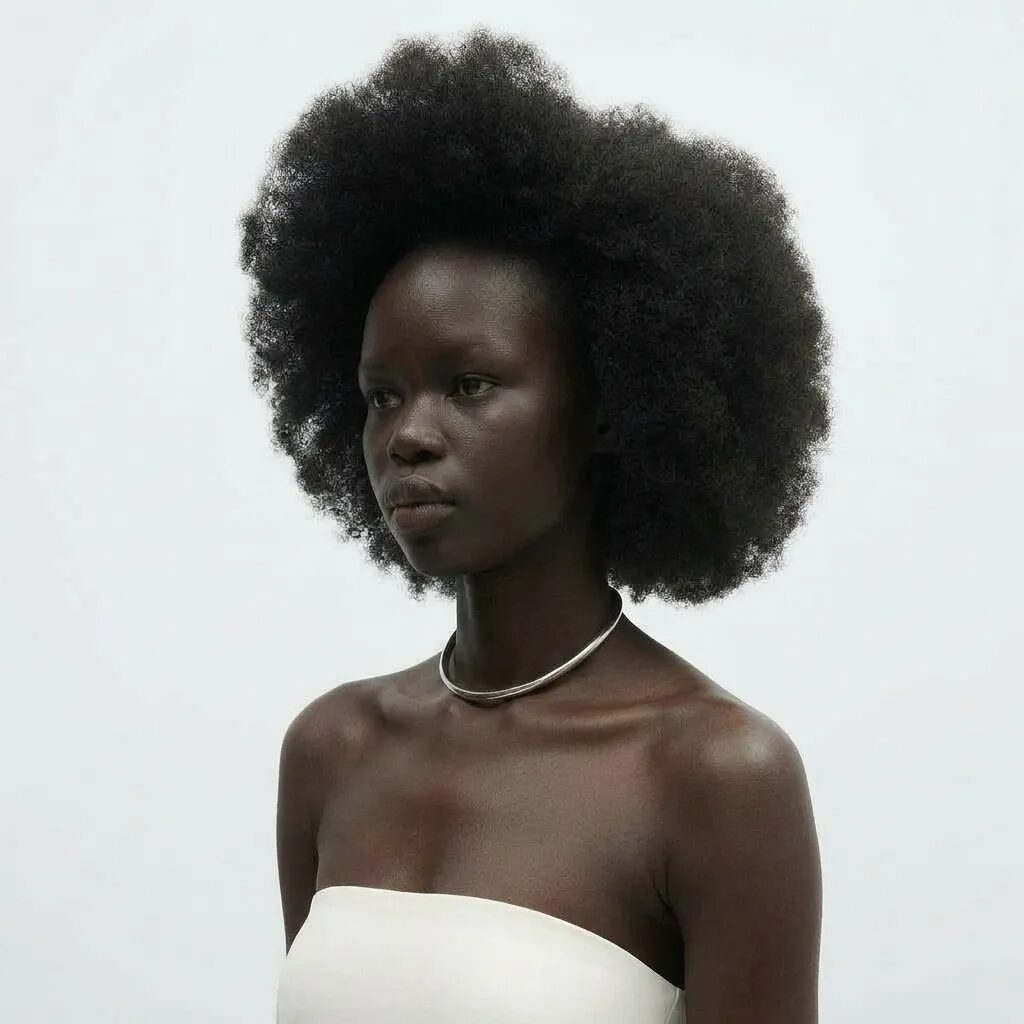
From the existing public product gallery · illustrative, not a measured consistency result.
00 · The product
Production software for synthetic characters.
Influencer OS is an independently developed web tool for creators and small teams working with authorized synthetic characters. Its released v1.23 studio brings character references, scene planning and engine-specific prompt preparation into one workspace. Images and videos are rendered in external services.
01 · The system
Keep the character brief consistent across models.
A reusable character passport stores appearance notes and creative constraints. Scene tools and deterministic adapters translate that brief into different prompt formats. The passport stays editable when a creator changes the target engine; generated results still require human review.
Roster · Photo — Nano Banana Pro · Animate — Kling · B-roll — Seedance · Dialogue — Veo · Refine — Omni Flash
What we built is a portable prompt language: 24 technique atoms that can be reused across the five target engines.
02 · Claude integration
Claude assists the creative decisions.
The released application supports Claude through the Anthropic Messages API as its default optional AI provider. With a user-supplied API key, Claude can interpret authorized visual references, refine scene descriptions, critique prompt drafts and suggest edits. The product—not Claude—assembles the final engine-specific instructions.
AUTHORIZED REFERENCES → OPTIONAL CLAUDE ANALYSIS → HUMAN REVIEW → PRODUCT-OWNED ADAPTERS → EXTERNAL GENERATION SERVICES
Claude does not render the images or videos. A managed Claude integration and repeatable quality evaluations are proposed next steps, not features available today.
03 · Product evidence
Inside the actual Influencer OS application.
Two edited views of the same September 2026 archival capture show the real licensed Influencer OS v1.23 interface: scene tools, controls, model routing and prompt assembly. Chapter labels are separate editorial overlays. These recordings do not demonstrate a live Claude API request or rendered media performance.
01 / AT A GLANCE
The real app in 22 seconds
22.5 seconds · four actual application workflows · silent
02 / DETAILED VIEW
A closer look at the actual workspace
ARCHIVAL CAPTURE · REAL APPLICATION INTERFACE
From scene to production instructions.
- 01 / SCENESChoose and save reusable scene presets.
- 02 / CONTROLSAdjust visual style, camera language and reference inputs.
- 03 / ROUTINGSwitch between specialized image and video engine adapters.
- 04 / OUTPUTAssemble the production prompt and inspect assistant tools.
Archival footage of v1.23 captured in September 2026. The exact deployed Git commit at capture time is unverified. No Claude API execution, model-performance result or identity-consistency benchmark is demonstrated in these recordings.
Try the no-login prompt demo ↓04 · Interactive demonstration
Change the scene. Inspect the prompt.
Demo data · character June · publicIOS-EXHIBIT · LIVE ASSEMBLY
PASSPORT · JUNE6 BLOCKS
World
Scene
Anomaly lock
Engine
Assembled prompt · NANO BANANA PRO0 words · 80/100 strength
This interactive exhibit is a simplified, no-login demonstration of prompt assembly. It is not the full licensed studio.
Scenes may be written in Russian or English — the studio always assembles the prompt in English. That is why the scene chips below keep their English names.
05 · Model adapters
Five model families. One character brief.
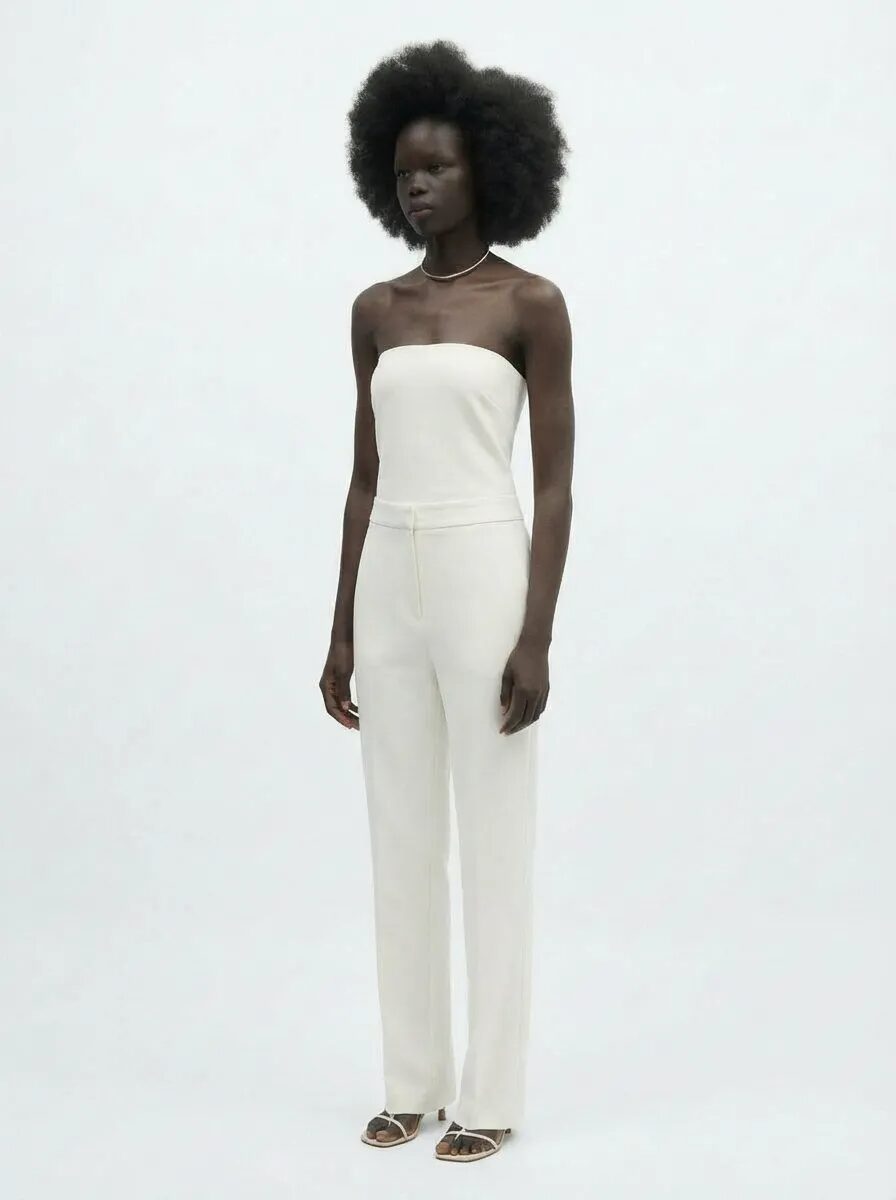
Sample 1 of 5 · showcase · grammar
Nano Banana Pro
Prepares still-image instructions from the selected identity and scene fields.
IDENTITY → SCENE/POSE → TECHNIQUE → CLOTHING → ANOMALY ANCHOR → TECHNICAL → MOOD · 150–250 words
IDENTITY: young woman in her early twenties, soft oval face ▮▮▮
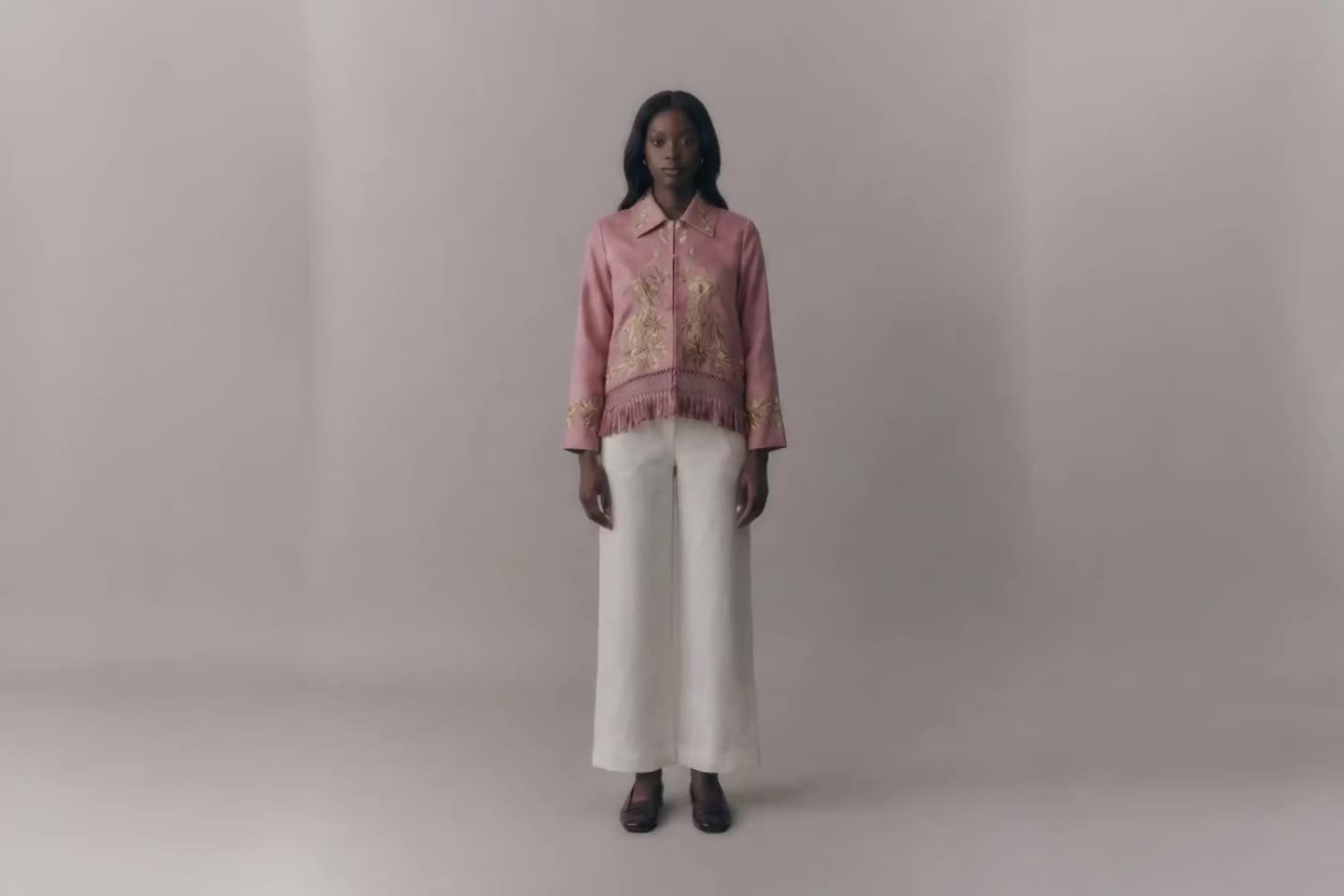
Sample 2 of 5 · showcase · grammar
Kling
Formats motion and camera directions; output consistency depends on the external video model.
CAMERA → CHARACTER → REACTION · motion 0.3 / 0.5 / 0.7 · 3–15 s
CAMERA: slow push-in, handheld breath ▮▮▮
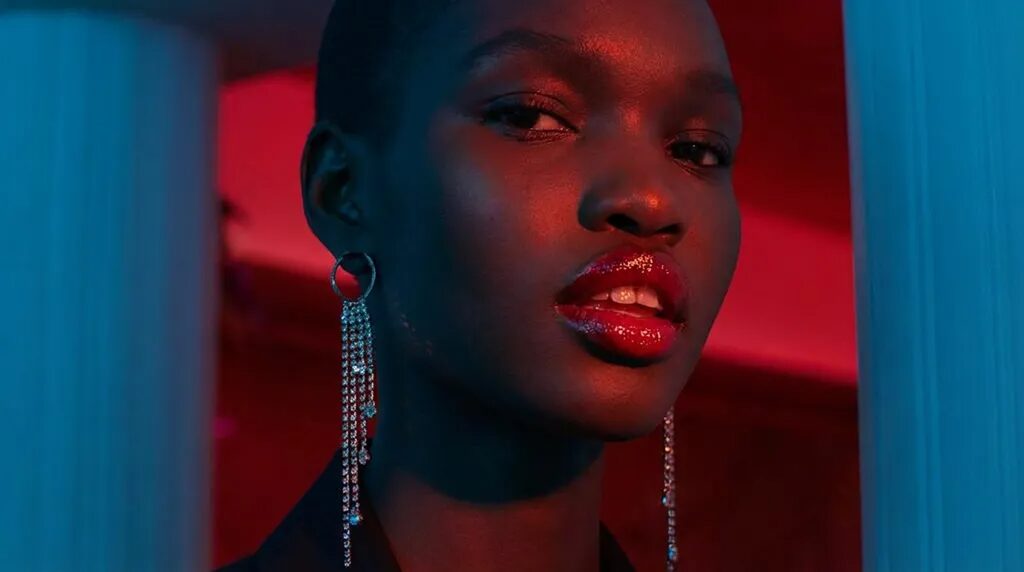
Sample 3 of 5 · showcase · grammar
Seedance
Formats scene and cutaway instructions with reusable character constraints.
@image1 → subject → @video1 motion → @audio1 rhythm · 50–70 words
@image1 identity reference · @video1 motion clip ▮▮▮
Sample 4 of 5 · showcase · grammar
Veo
Structures dialogue, audio and scene instructions for external generation.
camera-first, 7 layers · dialogue after the colon, (no subtitles) · scene or b-roll mode
A locked-off shot of a sunlit bedroom. She looks up… ▮▮▮ (no subtitles)

Sample 5 of 5 · showcase · grammar
Omni Flash
Prepares instructions for refining an existing clip in an external tool.
GOAL → INPUT → SCENE → MOTION → CONSTRAINTS · ≤10 s · PRESERVE the look
GOAL: clean up the clip, keep the face and the grain ▮▮▮
06 · Visual case
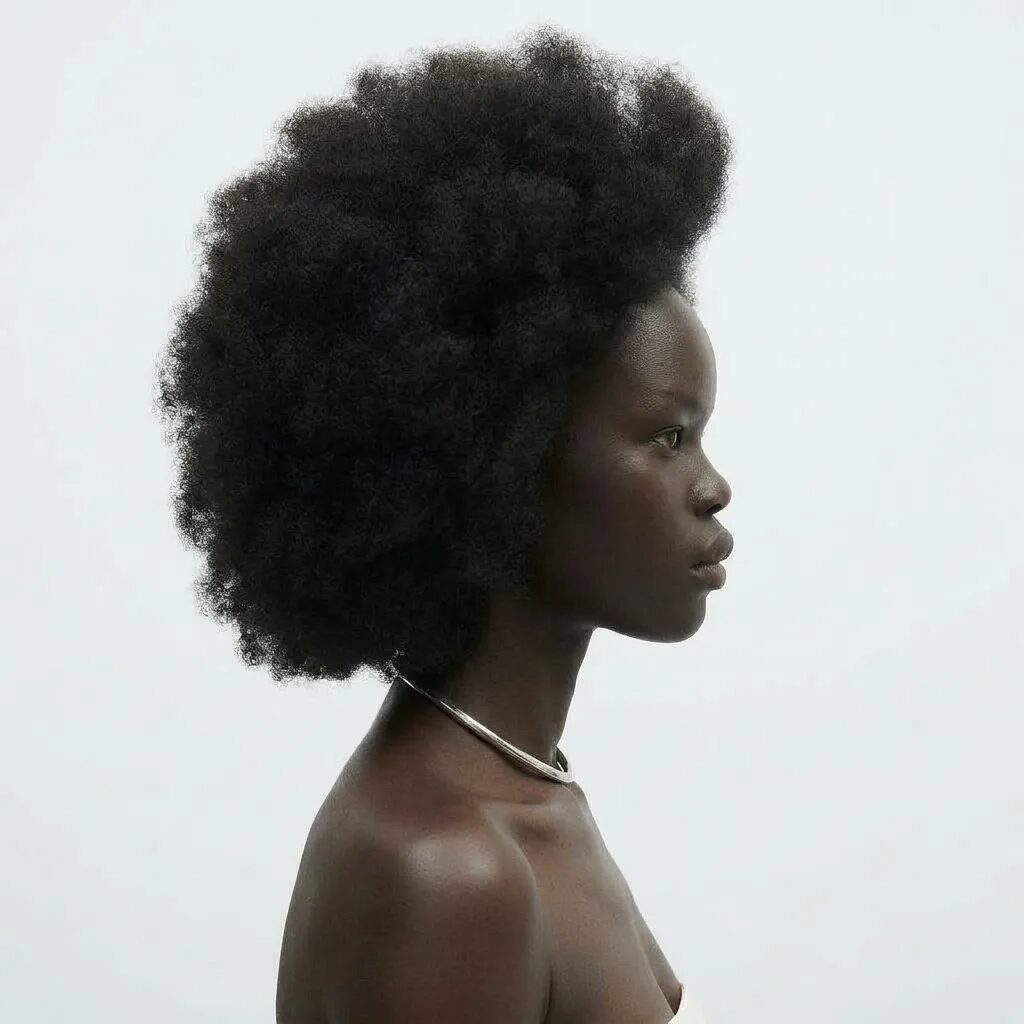
One brief, multiple visual conditions.
An illustrative set of existing product-gallery images shows different lighting, wardrobe and scene conditions. It is not a controlled before-and-after test or proof of identical identity across renders.

07 · Visual references
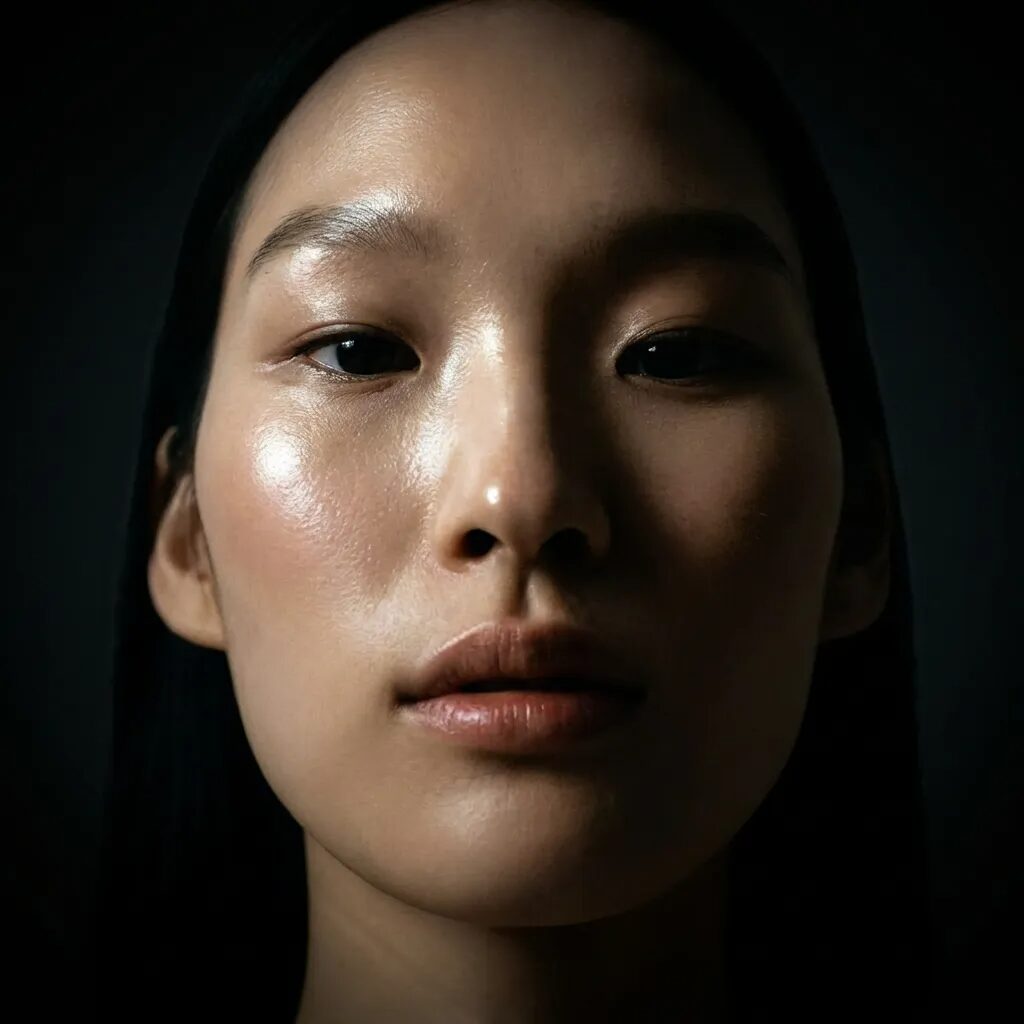
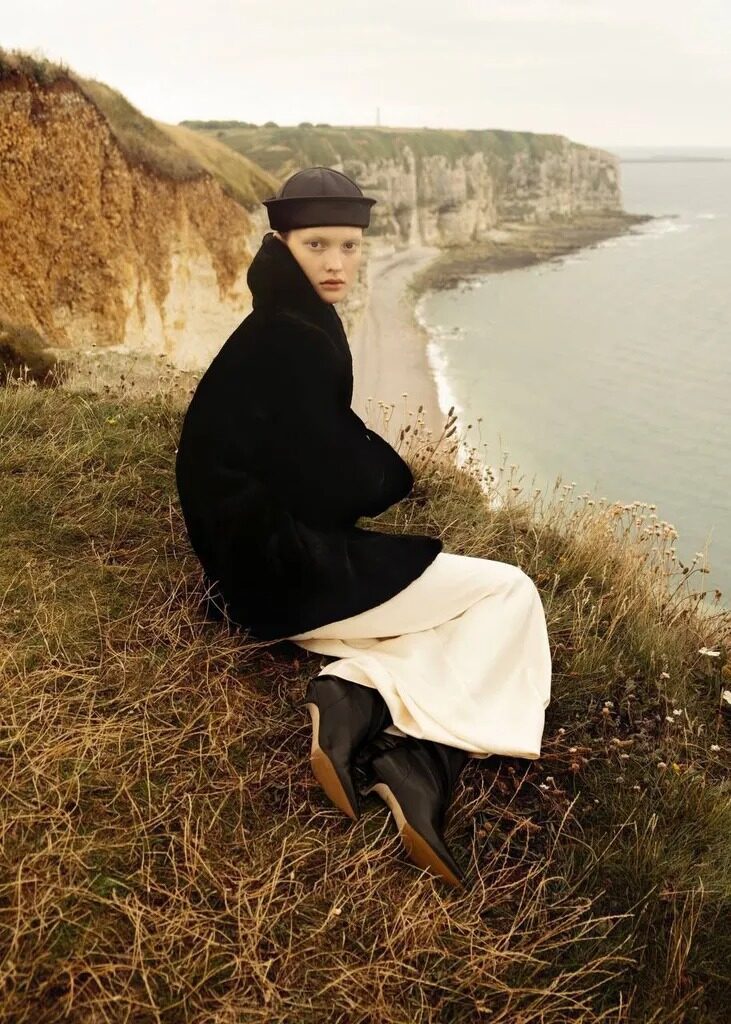
Different lighting. Different scene demands.
A curated selection of media already distributed with the Influencer OS product. These demonstrate the kind of varied scenes and visual conditions a character-production workflow must account for; they are not presented as a measured identity benchmark or Claude-generated outputs.
08 · Motion references
Motion is a separate creative constraint.
Short clips from the existing public product gallery, not results generated by Claude. They illustrate motion, lighting, framing and continuity considerations for downstream video engines.
09 · Practical guide
A practical production guide.
Confirmed studio behavior, general craft education, a proposed workflow — or an explicitly marked future capability. Nothing else.
01Position firstWho is this character, for whom — and where is the line you must not cross.Craft02Concept — and the line you must not crossA synthetic face is fine; a synthetic claim to a real person’s identity is not.Craft03Visual constants and the model passportThe six-block canon and the anomaly anchors that make a face inspectable.Product04References — lawful and source-safeEngines hear references louder than text; keep them clean.Craft05Prompting as an iterative systemOne framework, re-targeted per engine by adapters.Product06Identity consistencyWhat actually keeps a face recognizable from frame to frame.Product
10 · Questions
Questions.
Who is the product for?
Solo AI-influencer creators and small studios running one or more synthetic characters — anyone who needs the same face to survive a whole feed, not one lucky frame.
Is there a public interactive demo?
Yes. This page includes a simplified no-login prompt-assembly exhibit. It demonstrates how some controls affect the text, not access to the full license-gated application.
Do I need API keys?
Building prompts from a scene description needs no key at all. Reference analysis and the AI features — scene enhancer, critic, assistant — use your own OpenAI, Anthropic, Gemini or OpenRouter key; provider pricing and model availability may change. Image and video generation always happens in your own engine accounts.
What happens when engines change?
Engine adapters can be updated independently from the character passport. Compatibility with future model versions must be maintained and verified; no permanent compatibility guarantee is implied.
Does it generate images and videos?
No — by design. Influencer OS builds the prompts; you paste them into Nano Banana Pro, Kling, Seedance, Veo or Omni Flash with your own accounts. The studio never touches your generations and takes no cut.
Where is my data stored?
Character passports and history are stored locally in your browser (localStorage / IndexedDB), with export and import available. If you enable optional AI features, the necessary prompt or reference content and your API key are sent directly from your browser to your selected provider, including Anthropic when chosen. License validation and basic production analytics also use network requests. Do not enter references or likenesses you are not authorized to process.
How can I reduce identity drift?
Define appearance and distinctive features in the passport, use authorized and consistent references, then review results across scenes and models. The app provides constraint fields and warnings; it cannot guarantee a matching face in every generation.
How can I improve visual realism?
Use scene-specific lighting, camera and material descriptions. Review skin texture, physical details and motion for visual coherence. Do not remove provenance markers or conceal AI-origin disclosures where required.
11 · Proposed next phase
Why a deeper Claude integration matters.
Multimodal reference analysis, scene reasoning, prompt review and guided edits; deterministic target-engine prompt adapters.
Test visual interpretation, prompt quality, latency, and cost on repeatable production tasks.
Reduce configuration friction without promising capabilities that are not yet live.
We are applying to Claude for Startups to evaluate reference interpretation and prompt quality, and to explore a managed Claude integration. Influencer OS is independent and is not endorsed by Anthropic.